
What to put in your link in bio, with 3 examples
Learn what belongs on your link-in-bio page to turn social followers into paying customers, with clear examples for shops, restaurants and salons.
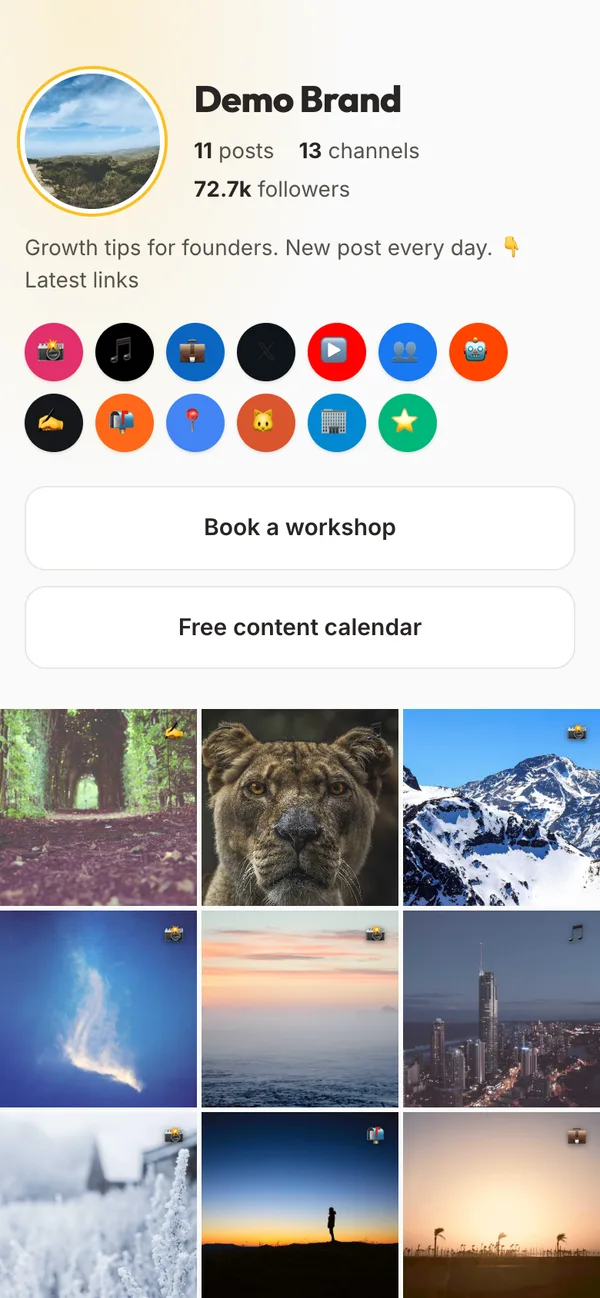
Platforms like Instagram and TikTok give you one clickable link in your profile description.
A link-in-bio page is a simple, mobile-friendly landing page that opens when someone taps that link. Instead of sending people to a complicated website homepage where they have to search for what they need, this page shows a short list of clear buttons.
For a local business, this single page is often the bridge between someone seeing a photo of your work and walking through your front door.
What belongs on your link-in-bio page
When people tap your link, they usually want to do one specific thing: book a service, check your address, or see your prices. If they cannot find that information within three seconds, they leave.
Keep your page focused by following these guidelines:
- Keep it to 5 to 7 links: When you offer twenty choices, people get overwhelmed and click nothing. Five or six clear buttons are plenty.
- Put your main action at the very top: The first button should be the primary way you make money, such as booking an appointment or ordering food.
- Include essential practical details: Add your opening hours, address, or a direct map link near the top.
- Show your current offer: If you have a seasonal special or a new menu, give it its own button.
- Link to your reviews: A link to your Google reviews builds trust with new visitors.
Here is how three different local businesses can set up their page.
Example 1: A neighbourhood restaurant
A restaurant needs to make it effortless for hungry customers to view food, find a table, or place a takeaway order.
A good page layout looks like this:
- Book a table for tonight (links to your booking form or phone number)
- View our lunch and dinner menu (links to a simple mobile menu page)
- Order takeaway for pickup (links to your online ordering system)
- Opening hours and directions (links to your Google Maps listing)
- Read our Google reviews (links to your public reviews)
Example 2: An independent gift shop
A retail shop wants to showcase new arrivals, tell people when the shop is open, and answer basic questions about stock.
A practical setup includes:
- Shop new arrivals this week (links to the newest collection in your webshop)
- Opening hours and location (shows address and opening times clearly)
- Gift cards (links directly to your gift voucher page)
- This month's bestseller list (links to popular items)
- Ask us a question on WhatsApp (opens a direct chat with the shop)
Example 3: A local hair salon
A salon lives on bookings. Clients visiting the profile want to check prices, see photos of recent cuts, and secure a spot in the diary.
A clean layout looks like this:
- Book an appointment online (links to your salon booking software)
- Price list and service menu (links to clear pricing)
- Opening hours and salon address (links to directions)
- Client transformations and reviews (links to a gallery or review page)
- Contact us or call the salon (links to your phone number)
Keep your page fresh
Your link-in-bio page should not stay static all year. Treat the top button like a shop window and update it when your priorities change:
- In November and December, move your holiday gift sets or festive menu to the top.
- In spring, promote wedding packages, garden services, or your new seasonal menu.
- When you launch a promotion, make it the first thing people see.
Once a month, check which buttons your visitors actually tap. Most link-in-bio tools show simple click counts. If a button has sat there for thirty days with only two clicks, remove it or replace it with something more helpful.
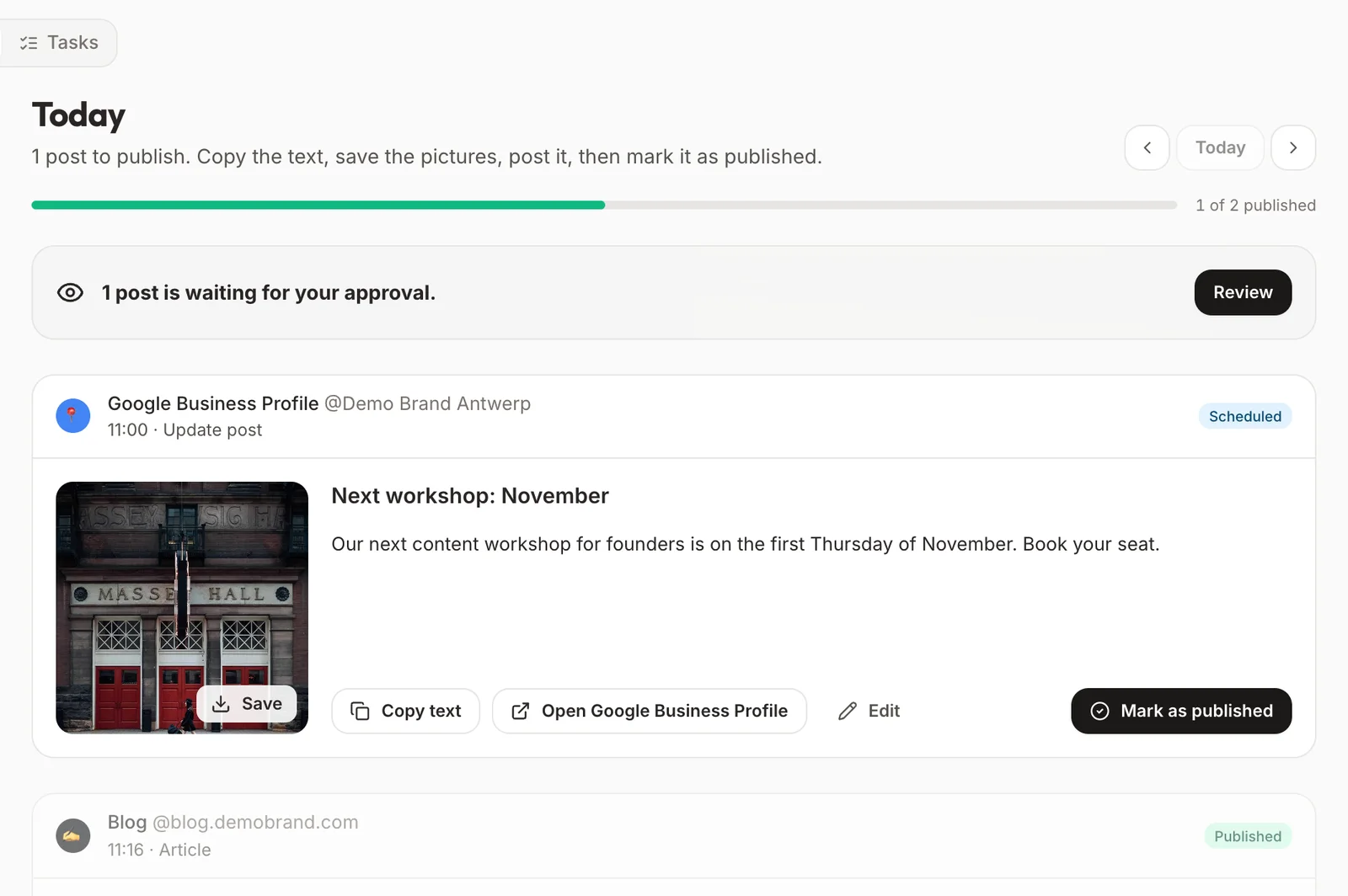
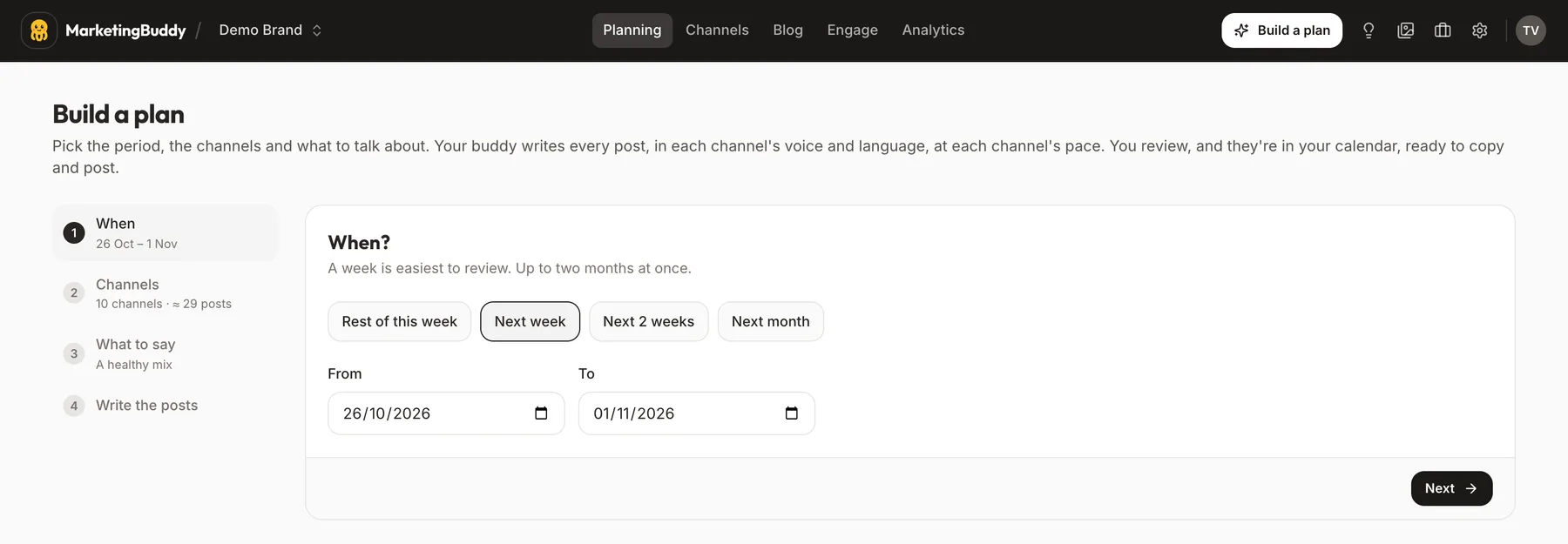
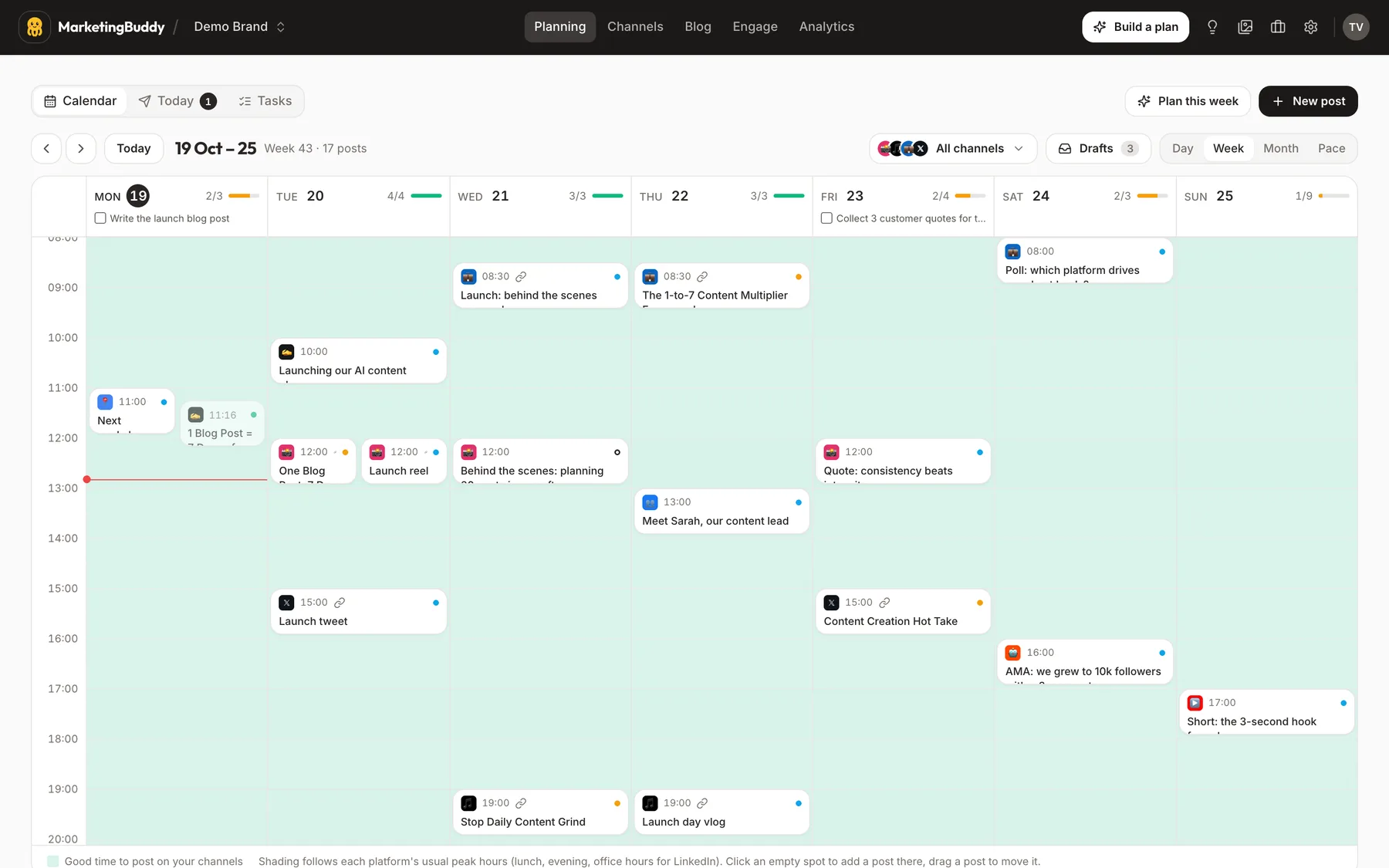
If you plan your posts with MarketingBuddy, your link-in-bio page comes with it: your links, your latest posts, and the clicks on each button, without cookies.
One small thing you can do today
Open your Instagram or TikTok profile right now and tap your own bio link on your phone.
Count how many buttons you have. If you have more than seven, delete two buttons that are out of date or rarely used. Make sure your most important button, like booking or your menu, sits right at the top.
 Made with MarketingBuddy