
Write your first blog post in 30 minutes
A blog post helps local customers find you on Google for years. Here is a simple, 30-minute guide to writing your first one.
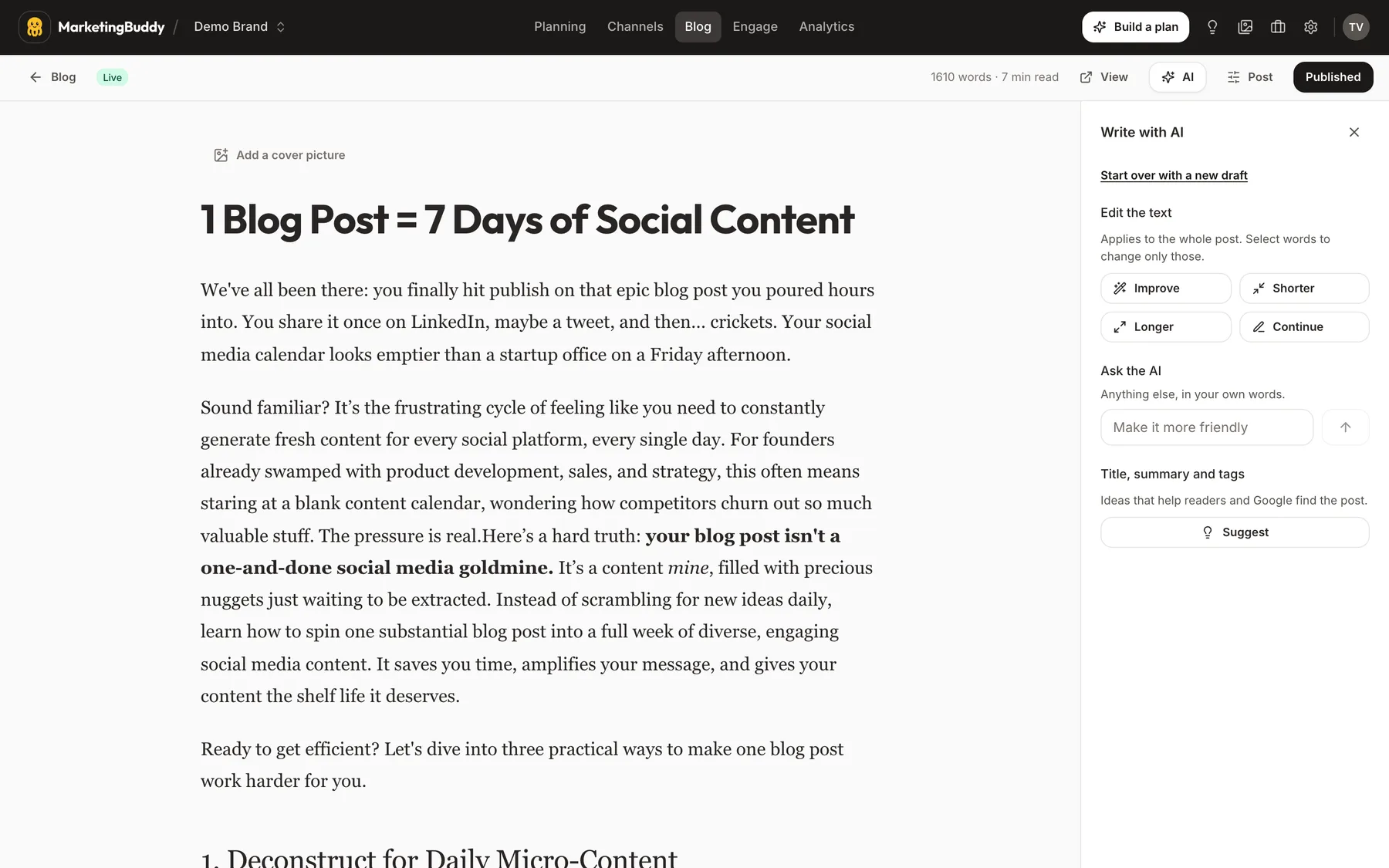
Social media moves fast. You spend twenty minutes writing an Instagram post or taking a photo of a fresh batch of bread, you publish it, and by tomorrow morning, it is gone from everyone's feed.
A blog post on your own website works differently. When someone in your town opens Google and types a question, a good blog post can show up as the answer today, next month, and three years from now.
You do not need to be a professional writer to create one, and you do not need hours of free time. You can write a helpful, local blog post in thirty minutes. Here is why it works and how to do it.
Why a local business still needs a blog
Most people use Google when they have a problem to solve or a purchase to make. They type specific questions into the search box:
- "How much does a new bathroom cost?"
- "Which cake should I order for a first communion?"
- "How do I stop my pipes from freezing in winter?"
- "How often should you cut curly hair?"
When you answer these questions on your website, Google learns what your business does and where you are located. More importantly, potential customers find your website while looking for the exact service you offer.
A single helpful article can quietly bring in new inquiries month after month without you paying for ads.
The shape of a good local blog post
You do not need to write an essay. A strong post for a local business is between 500 and 800 words. It needs five basic elements:
- A question in the title: Use the exact phrase a customer would type into Google or ask you in person.
- Three or four headings: Break down your answer into clear, manageable steps.
- Plain language: Write just like you speak behind the counter or on a job site.
- One real photo: A clear photo of your work, your team, or your shop. Stock photos are not necessary; a phone photo with good light works best.
- How to reach you: A short closing section explaining how the reader can book an appointment, visit your shop, or request a quote.
The 30-minute writing plan
Set a timer on your phone and follow these four steps.
Minutes 0 to 5: Pick one question from this week
Think back over the last few days. What did a customer ask you in your shop, over the phone, or by email?
A bakery owner might choose: "How many days in advance do I need to order a birthday cake?" A plumber might choose: "What is the best way to clear a slow kitchen drain?" A hair salon might choose: "What is the difference between highlights and balayage?"
Pick one question. Do not try to answer three topics in one post.
Minutes 5 to 10: Write down three headings
Before you write full sentences, write down three or four main points you want to cover. These will become your section headings.
For example, for the birthday cake question, your headings might be:
- Why custom cakes take time to prepare
- Standard orders versus custom designs
- How to store the cake before the party
- How to place your order with us
Minutes 10 to 25: Answer each heading in three or four sentences
Spend fifteen minutes filling in the text below each heading.
Keep your sentences short. Explain things as if you were talking to a friendly customer standing right in front of you. Give practical facts, estimated timeframes, or rough price ranges where helpful. Local customers appreciate honest, straightforward guidance.
Minutes 25 to 30: Add a photo and publish
Upload the text to your website. Add one photo that matches the topic, check that your phone number or shop address is at the bottom, and click publish.
Get more value from your post
Once your post is live on your website, you can reuse that content across your other marketing channels:
- Turn each heading into a short social media post for Instagram or Facebook, linking back to the full article on your website.
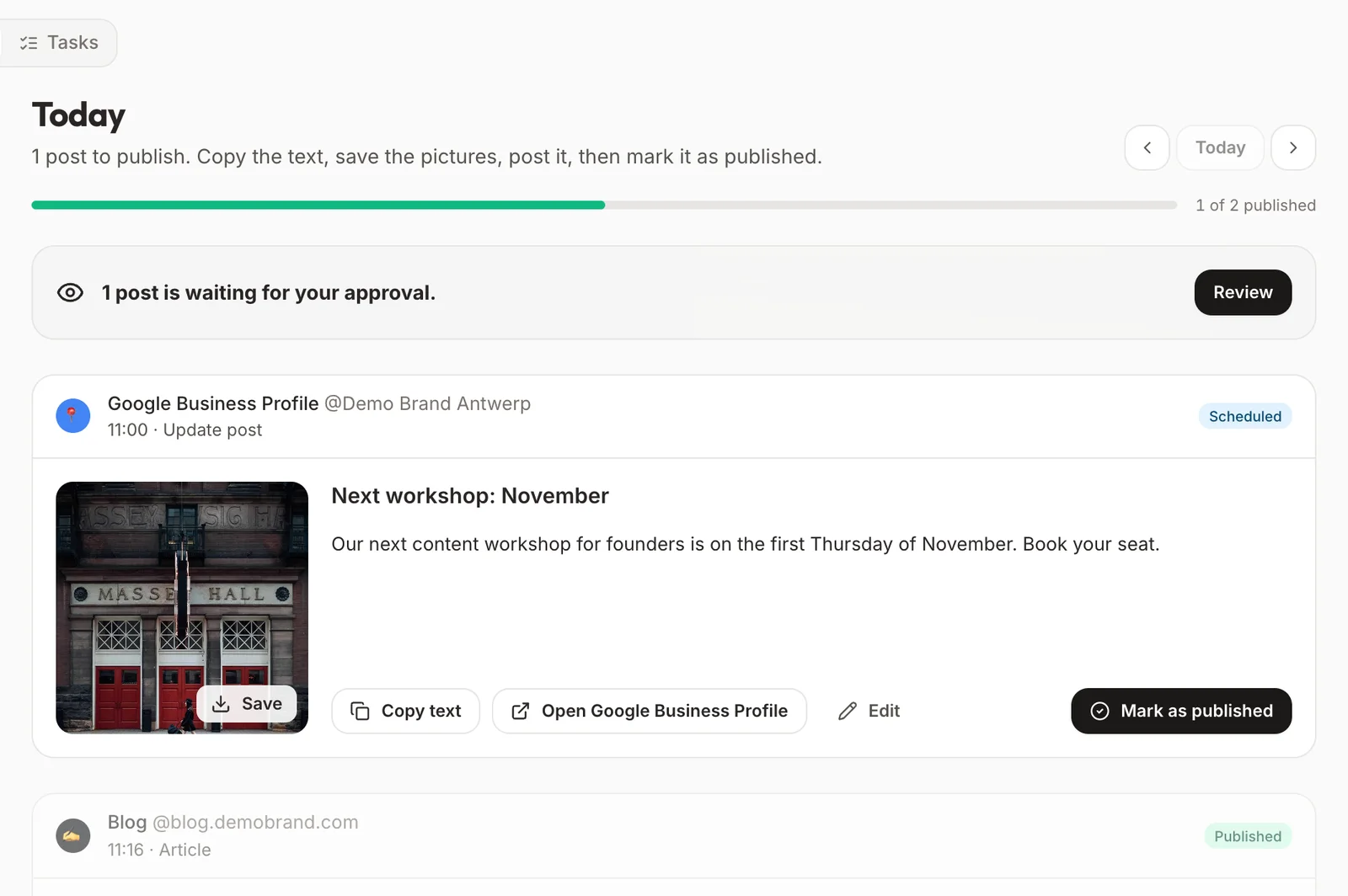
- Add a link to the article in your Google Business Profile updates.
- Save the link on your phone so you can send it directly to customers who email or message you with that same question.
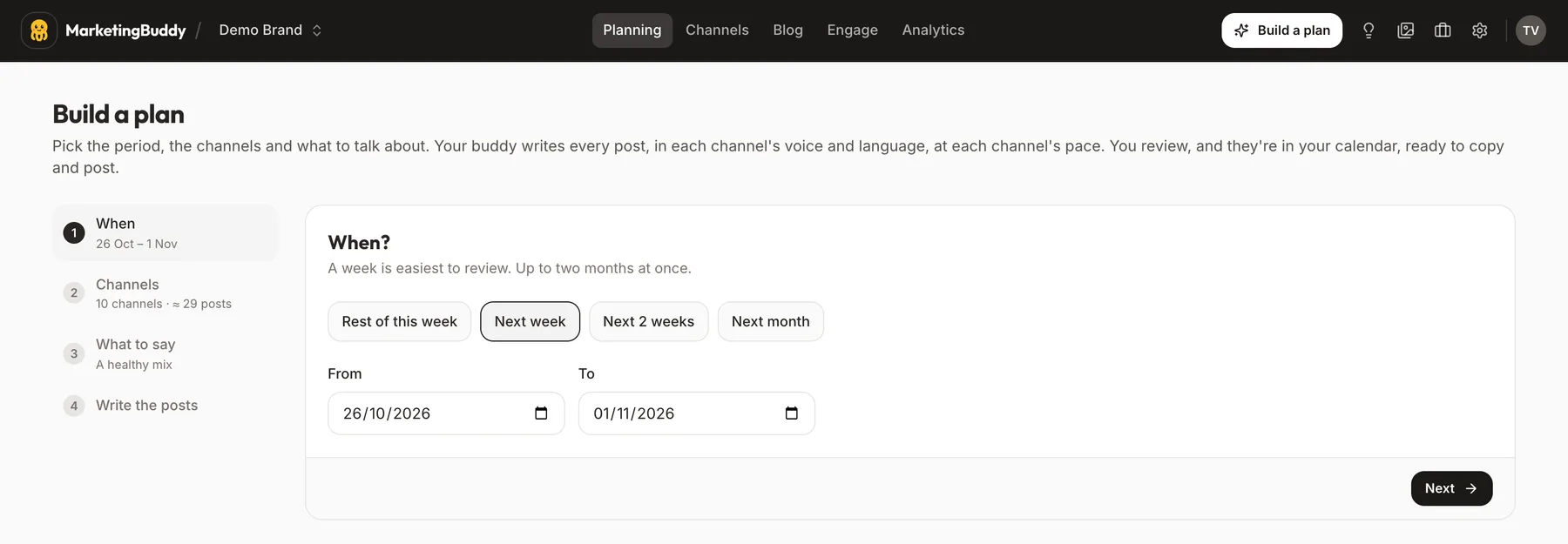
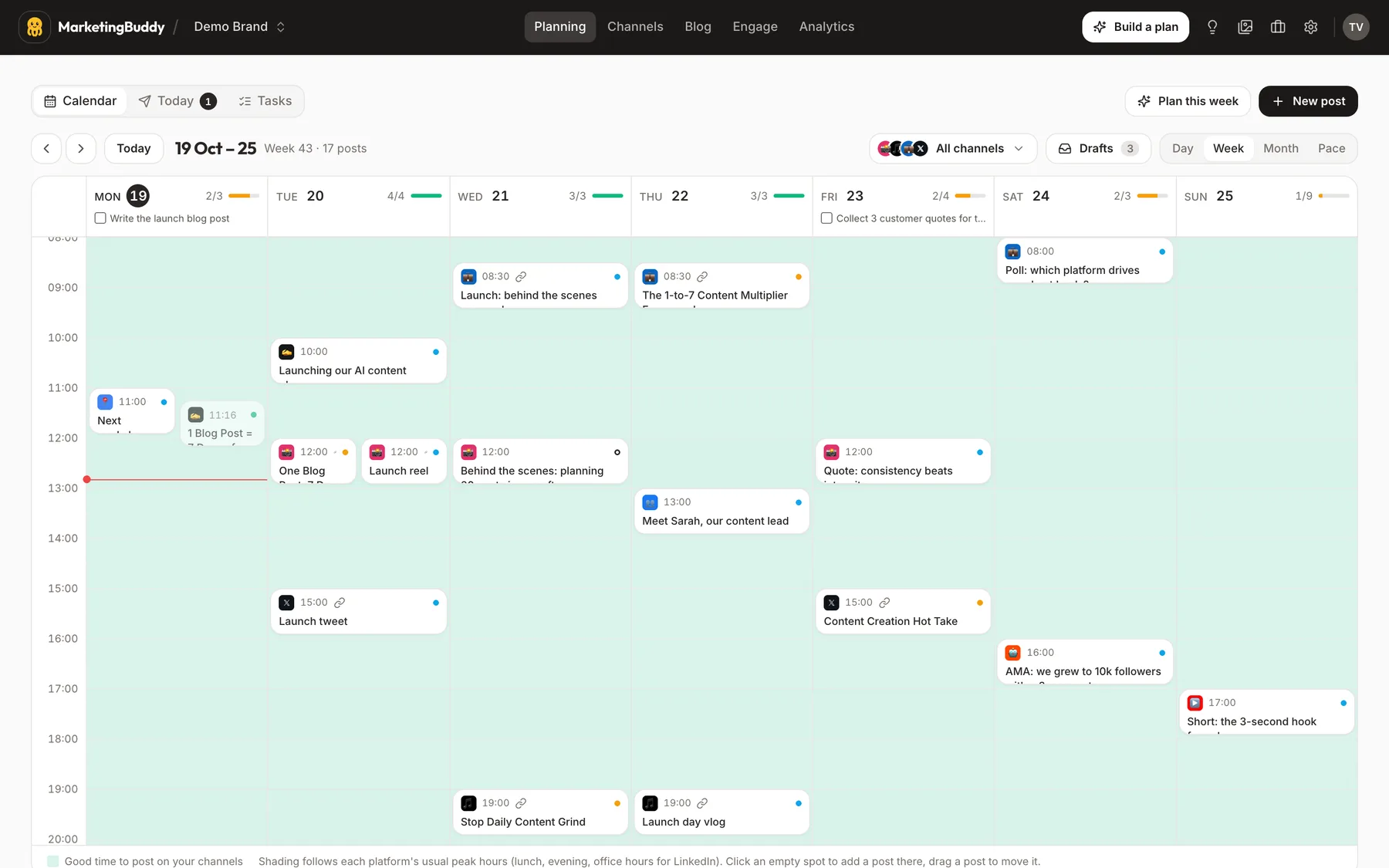
If planning and writing regular content still feels hard to fit into your busy week, a tool like MarketingBuddy can help draft, schedule and organise your blog and social posts for you.
One small thing to do today
Open the notes app on your phone and write down the single most common question customers asked you this week. That is the title of your next blog post.
 Made with MarketingBuddy